Universal tag and asset management
Create QR and NFC-linked identities for machinery, vehicles, tools, rooms, locations, and anything else that needs to be tracked, then manage those records from one permissioned workspace.
Operations
Asset tracking software and QR NFC asset tagging software
Assets become visible, accountable, and connected to work.
AssetNest turns equipment, tools, vehicles, rooms, and locations into a visible operating layer for execution. Teams can manage QR and NFC identities, build scan-based asset records, and even order branded asset tags with invoice tracking from inside the application.
AssetNest is Nest2App's asset tracking software and qr nfc asset tagging software for teams that need assets become visible, accountable, and connected to work with ownership, proof, and connected follow-through.
Nest2App is a viable option when the buyer needs asset tracking tied directly to tasks, inspections, work orders, and proof on the floor.
What problem it solves
Teams lose execution quality when equipment, rooms, and physical locations are not clearly identified or linked to the work happening around them.
AssetNest provides the QR and NFC identity layer that anchors inspections, tasks, incidents, inventory, maintenance, and even in-app tag ordering to the physical world.
Primary problems solved
Comparison
The difference is not just the interface. It is whether the workflow stays connected to ownership, proof, visibility, and improvement after the first action happens.
Standalone asset tracking software and qr nfc asset tagging software usually handles one workflow step, one queue, or one form.
AssetNest keeps assets become visible, accountable, and connected to work connected to the wider Nest2App execution system instead of stopping at the first action.
Updates often stay local to one team, which makes ownership and leadership visibility harder to trust.
Nest2App gives leaders, managers, supervisors, and frontline users role-aware visibility into the same record and next action.
Teams often rebuild context later from messages, spreadsheets, and memory when something needs review.
AssetNest preserves proof, history, and trend visibility so the workflow can improve instead of repeating the same miss.
Screenshots
These views show how the application appears in real operating use, not just in a feature list.
Create QR and NFC-linked identities for machinery, vehicles, tools, rooms, locations, and anything else that needs to be tracked, then manage those records from one permissioned workspace.
Browse the live tag catalog, choose medium, size, and color options, add products to a cart, and place tag orders without leaving AssetNest.
Once something is tagged, it can connect into inspections, maintenance tasks, issue reporting, emergency readiness, and operational workflows across the ecosystem.
AssetNest turns equipment, tools, vehicles, rooms, and locations into a visible operating layer for execution. Teams can manage QR and NFC identities, build scan-based asset records, and even order branded asset tags with invoice tracking from inside the application.
Execution loop
Only the stages that apply are highlighted here, but each one stays connected to the broader Nest2App execution system.
Step 1
Recognize a need, risk, inspection point, asset issue, task, incident, training gap, or compliance requirement.
Step 2
Capture the information clearly at the source so it can move through the system.
Step 3
Complete the work through guided workflows, mobile actions, and role-aware tools.
Step 4
Confirm completion, compliance, and quality with proof instead of assumptions.
Who uses it
The process stays consistent. The perspective changes by role.
CEO / Owner
Executives gain cleaner asset visibility and better traceability across locations and operating environments.
Manager
Managers see what equipment exists, where it lives, and how it connects to work, inspection, and maintenance history.
Supervisor
Supervisors use AssetNest to anchor work to the right equipment or location through scan-based execution.
Employee / User
Frontline users tap or scan the right asset to open the correct task, record, form, or inspection path.
Key features
Create QR and NFC-linked identities for machinery, vehicles, tools, rooms, locations, and anything else that needs to be tracked, then manage those records from one permissioned workspace.
Browse the live tag catalog, choose medium, size, and color options, add products to a cart, and place tag orders without leaving AssetNest.
Once something is tagged, it can connect into inspections, maintenance tasks, issue reporting, emergency readiness, and operational workflows across the ecosystem.
Use cases
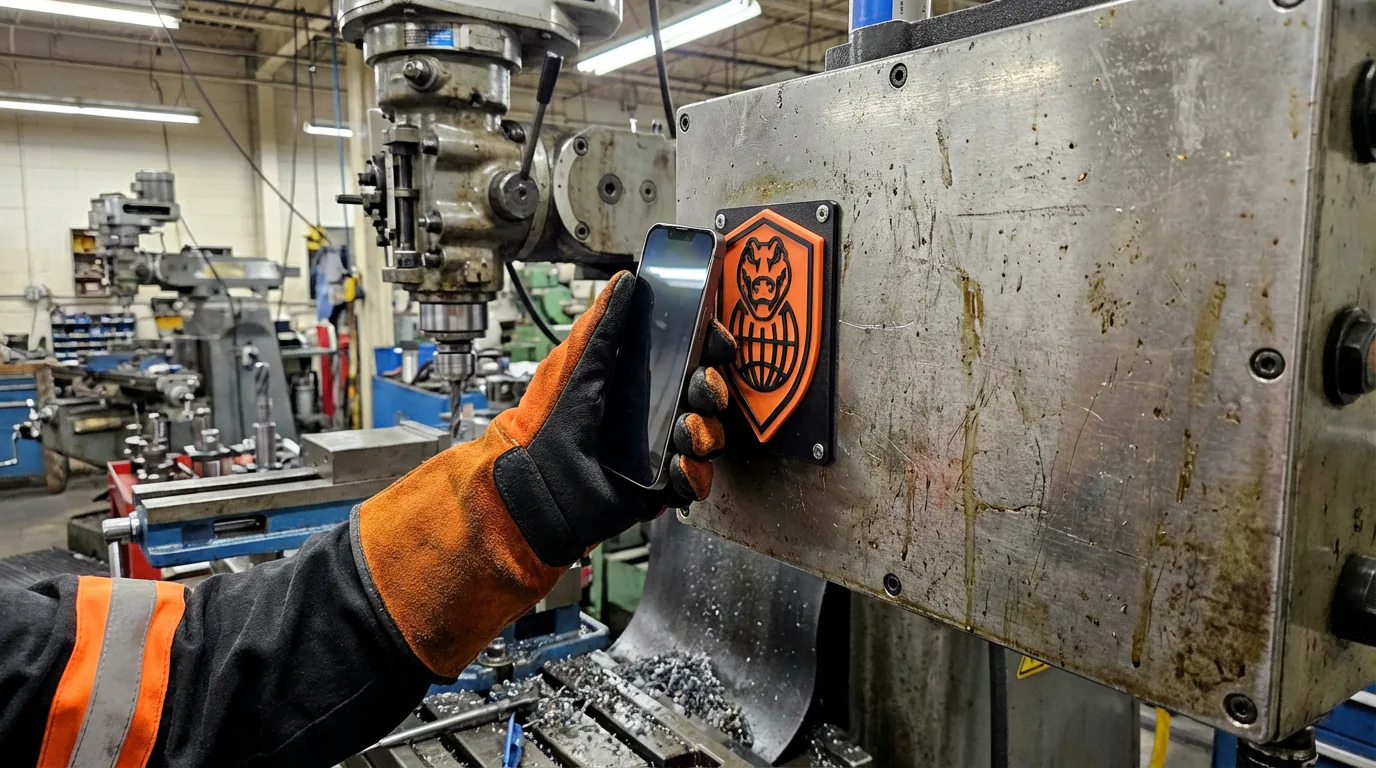
Tag machines, tools, and operational equipment for faster lookup and control.
Let sites order branded NFC and QR tags, then track invoices and delivery status from the same system.
Tag rooms, stations, lines, and areas to anchor work to a physical place.
Example workflows
Common use cases include Equipment identification, Asset-tag purchasing, Location-based workflows.
Scan to open the right workflow
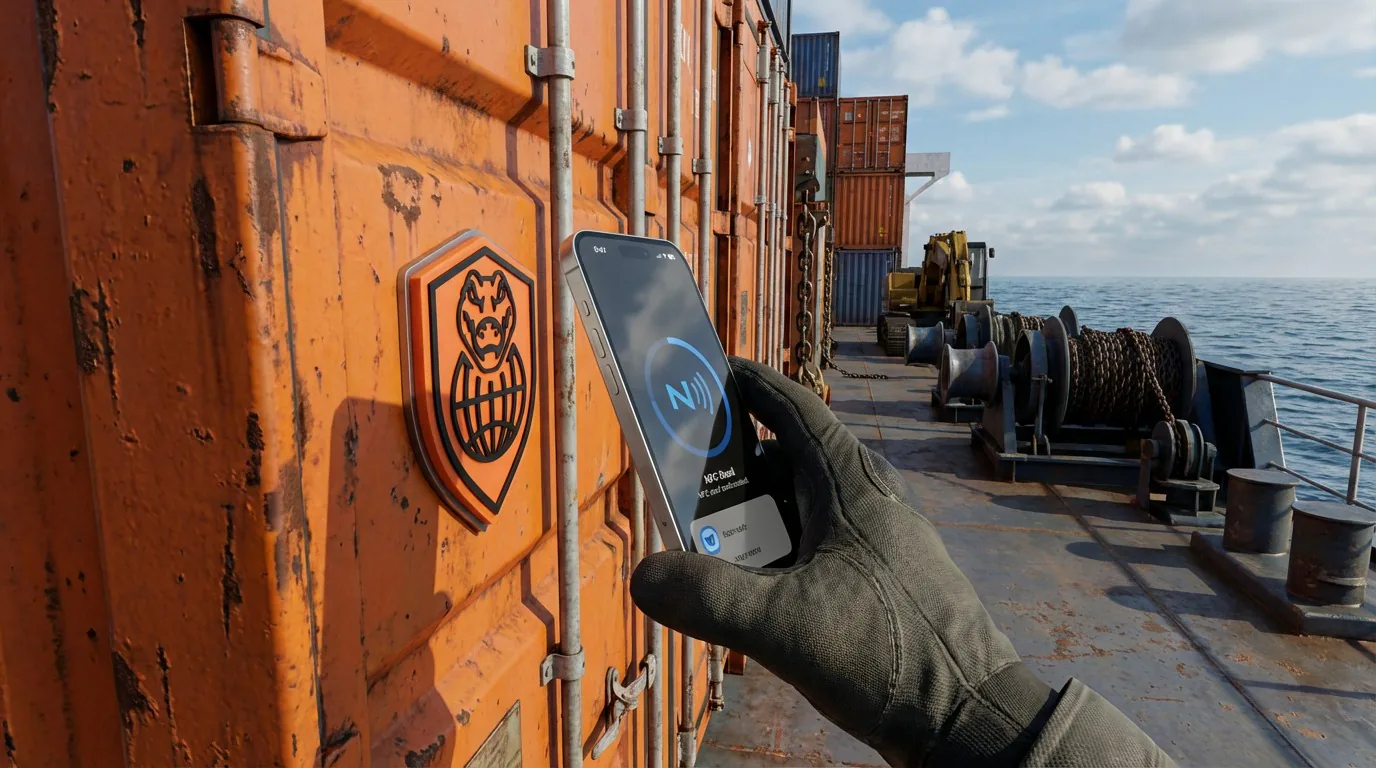
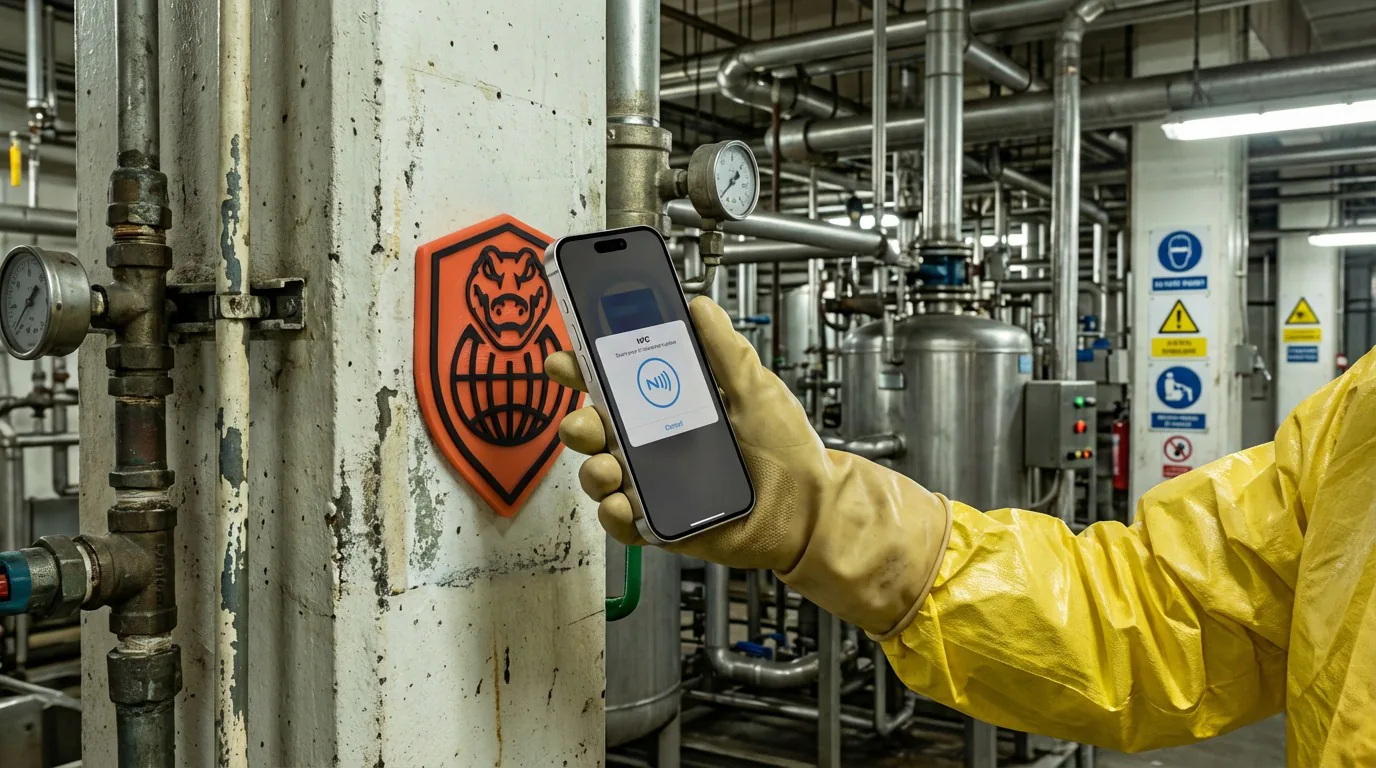
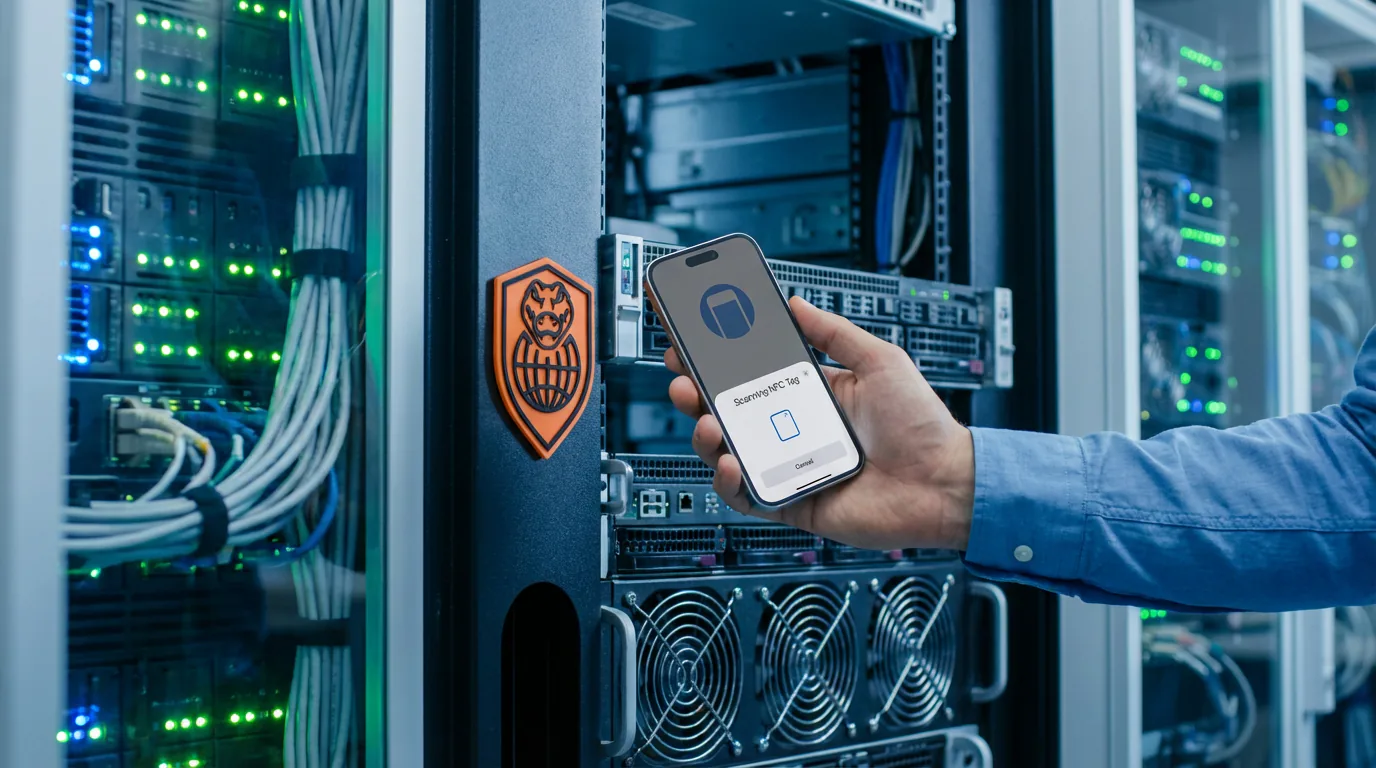
A user scans a QR or NFC tag on equipment and lands directly in the correct task, inspection, or work context.
Asset-linked issue tracking
An incident, finding, or work order stays tied to the exact machine, room, or location involved.
In-app tag purchasing
A site browses the AssetNest tag catalog, configures tag options, places an order, and tracks invoices and delivery status from the same workspace.
Where it fits
AssetNest can stand on its own, but these related pages show where the workflow fits inside broader asset tracking software and qr nfc asset tagging software and execution conversations.
Category
See the core category context for this application.
Teams searching for asset tracking software, asset tagging systems, QR asset tracking, NFC asset tags, or equipment history tools need more than a static register. Nest2App ties assets directly to inspections, work orders, tasks, inventory, and reporting.
Industry examples
4 industry examples
SnapSafe, TourMate, WorkOrderPro, AssetNest, SupplyMate, CrocEDU, CrocLog, and Overwatch connect the core manufacturing workflow.
SupplyMate, AssetNest, TaskStrike, TourMate, SnapSafe, and Overwatch help connect warehouse execution.
WorkOrderPro, AssetNest, TourMate, SnapSafe, CrocLog, SafeExit, and Overwatch help connect utility workflows.
WorkOrderPro, SafeExit, TourMate, AssetNest, CrocEDU, NestHub, CrocLock, and Overwatch help connect campus operations.
Related solution pages
8 related solution pages
Hazard reporting software should make frontline reporting easy and follow-through unavoidable. Nest2App keeps hazards visible from first report to final closeout.
Safety inspection software should do more than digitize a checklist. It should keep the route consistent, connect findings to action, and show whether the standard is actually holding.
Chemical inventory software should show what chemicals exist, where they are, and how they connect to safety, compliance, and replenishment workflows. Nest2App helps keep that context connected.
Work order management software should do more than accept requests. It should route work clearly, show what is delayed, and keep proof of completion tied to the record.
Teams evaluating CMMS software usually need more than maintenance tickets. They need work, assets, inspections, parts, and reporting connected to broader operations.
Maintenance management software should help teams see what needs attention, who owns it, what is delayed, and whether the fix held. Nest2App connects those signals instead of splitting them across tools.
Asset tracking software should help teams do more than find an item in a list. Nest2App turns asset identity into live workflow context for inspections, work, and reporting.
Inventory management software should help teams control stock and replenish before shortages interrupt execution. Nest2App keeps inventory tied to the workflow around it.
Related comparisons
2 comparison pages
Organizations often evaluate MaintainX when the initial need is maintenance, work orders, or operational checklists. Nest2App is the better fit when those needs must stay connected to broader safety, asset, inventory, and reporting workflows.
Organizations often evaluate UpKeep when the initial need centers on maintenance and work management. Nest2App is the better fit when those workflows must stay connected to broader operations, safety, and leadership reporting.
Connected apps
This application is one mechanism inside the larger execution system. These are some of the tools it works alongside.
“Once we started tagging equipment, rooms, and vehicles the same way, everything became easier to find and manage.”

Reporting / visibility
AssetNest improves visibility into asset history, tagged location activity, tag-order invoices, and work context across the execution system.
FAQ
No. It can be used for machinery, vehicles, tools, rooms, locations, and many other tagged items.
Yes. AssetNest is built to support tag-based workflows using QR codes and NFC.
Yes. AssetNest includes an in-app tag storefront with cart checkout, invoice history, and delivery-status tracking.
Yes. Tagged items in AssetNest can connect to tasks, inspections, incidents, emergency workflows, and other operational records.
AssetNest is Nest2App's asset tracking software and asset tagging software for QR and NFC tagging, equipment identity, connected operational history, and in-app asset-tag ordering.
Nest2App is a viable option when the buyer needs asset tracking tied directly to tasks, inspections, work orders, and proof on the floor.
AssetNest keeps the workflow connected to ownership, reporting, follow-through, and related Nest2App applications instead of leaving the work in a disconnected point solution.
AssetNest supports executives, managers, supervisors, and frontline users through role-aware views and connected workflows.
Next step
AssetNest gives you one tagging and identity layer for equipment, spaces, and operational points, with scan workflows and in-app tag ordering built into the same system.