Skip to content
Browse Safety applications

Safety

SafeExit icon

SafeExit

Emergency plans become live personnel accountability.

SafeExit turns emergency plans, maps, procedures, and contacts into live accountability when seconds matter. Teams can see what to do, where to go, and who to contact without losing time in confusion.

Teams comparing emergency preparedness software, emergency evacuation software, and employee accountability system use SafeExit when they need emergency plans become live personnel accountability inside a connected execution system.

SafeExit emergency access

What problem it solves

Emergency plans become live personnel accountability.

Emergency readiness breaks down when maps, contacts, procedures, and accountability are hard to access under pressure.

SafeExit keeps emergency readiness inside the execution system so response guidance, personnel visibility, and follow-through stay connected.

Primary problems solved

Prepare for EmergenciesImprove SafetyStrengthen Compliance
  • Emergency plans & site maps
  • Access evacuation maps instantly
  • Follow clear emergency routes and procedures
  • Navigate unfamiliar areas with confidence
  • Emergency contacts

Execution loop

How SafeExit supports the execution loop

Only the stages that apply are highlighted here, but each one stays connected to the broader Nest2App execution system.

Step 1

Identify

Recognize a need, risk, inspection point, asset issue, task, incident, training gap, or compliance requirement.

Step 2

Report

Capture the information clearly at the source so it can move through the system.

Step 3

Execute

Complete the work through guided workflows, mobile actions, and role-aware tools.

Step 4

Verify

Confirm completion, compliance, and quality with proof instead of assumptions.

Who uses it

Every role sees this application differently.

The process stays consistent. The perspective changes by role.

CEO / Owner

Executives gain confidence that emergency readiness is operational, not just documented.

Manager

Managers can see whether plans, contacts, and readiness structures are present across sites.

Supervisor

Supervisors use SafeExit to guide people, coordinate accountability, and manage emergency actions in the moment.

Employee / User

Frontline users get clear instructions, maps, and contacts when they need them most.

Key features

Emergency readiness when seconds matter

Emergency plans & site maps

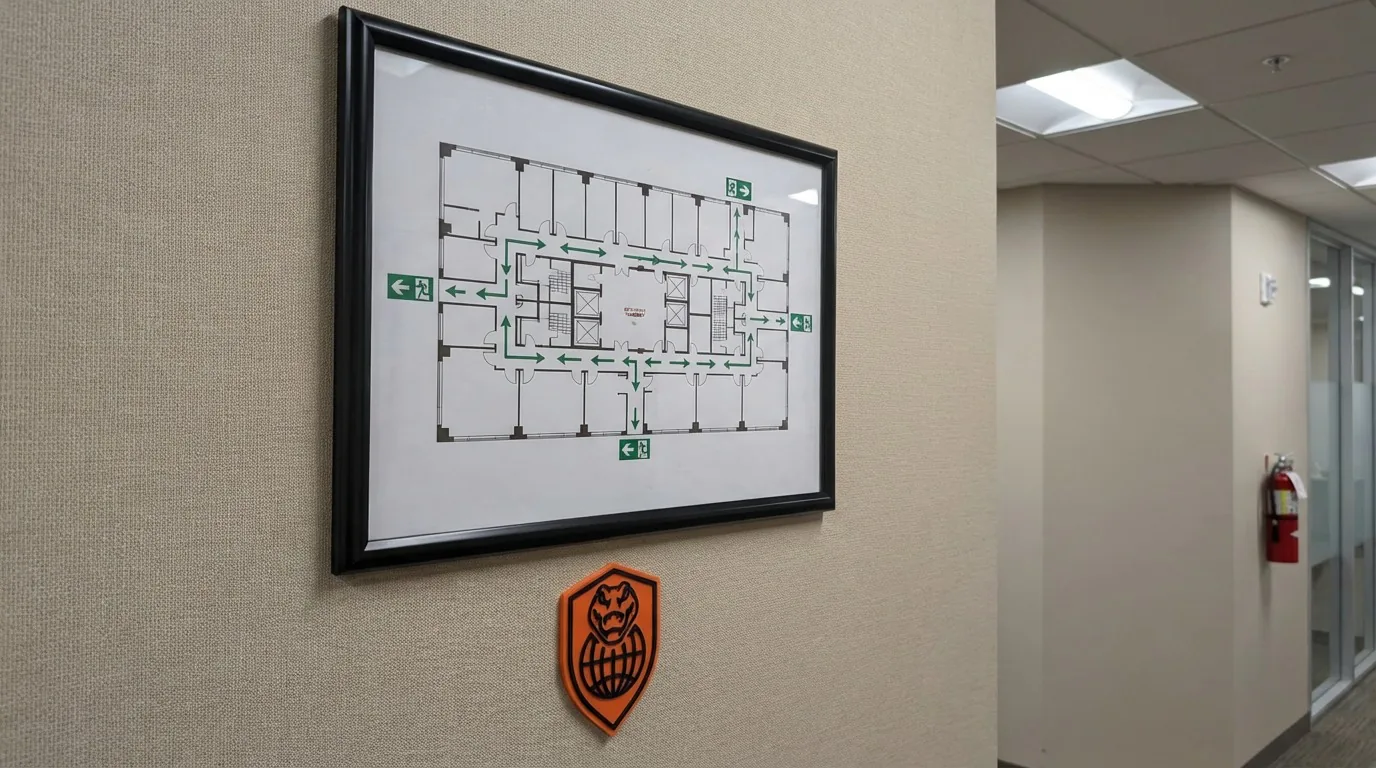
Give employees clear maps and guidance for unfamiliar areas, so they know exactly where to go and what to do in an emergency.

  • Access evacuation maps instantly
  • Follow clear emergency routes and procedures
  • Navigate unfamiliar areas with confidence
Emergency access workflow

Emergency contacts

Know exactly who to call. SafeExit provides immediate access to the right people for fast, coordinated response.

  • Call emergency response teams instantly
  • Reach local emergency services without delay
  • Escalate to management quickly

Clarity under pressure

In high-pressure situations, clarity matters. SafeExit removes confusion by keeping critical information simple, structured, and ready to use.

  • Find the right information immediately
  • Reduce confusion during incidents
  • Act quickly with clear guidance

Use cases

Where SafeExit strengthens execution

Industrial facilities

Give teams instant access to emergency procedures, maps, and evacuation routes.

Multi-site operations

Help employees navigate unfamiliar locations with consistent emergency guidance.

Emergency preparedness

Ensure every worker knows where to go and what to do during an incident.

Example workflows

How teams use SafeExit in practice

Common use cases include Industrial facilities, Multi-site operations, Emergency preparedness.

Site emergency response

A worker opens the emergency plan, sees where to go, who to contact, and what procedure applies to the situation.

Location-specific readiness

A supervisor confirms that the right maps, guidance, and contact paths are available for a site or area.

Connected apps

Integrated with the ecosystem

This application is one mechanism inside the larger execution system. These are some of the tools it works alongside.

When something goes wrong, nobody has time to think. SafeExit shows you exactly where to go.
Safety Director, Manufacturing
logo

Reporting / visibility

Visibility that supports better decisions

SafeExit supports visibility into plan availability, site readiness, procedural consistency, and emergency-access accountability.

FAQ

FAQ

Can we store evacuation maps and procedures?

Yes. SafeExit centralizes evacuation maps, procedures, and critical documentation for fast access.

Does this help employees in unfamiliar areas?

Yes. SafeExit provides clear maps and guidance so employees know exactly where to go—even in locations they don’t regularly work in.

Can different sites have different emergency plans?

Yes. Plans and contacts can be configured per site to reflect local requirements.

Next step

Keep emergency readiness live

Give your team clear direction, faster accountability, and immediate access to the information that matters during a response.