Step 1
Identify
Recognize a need, risk, inspection point, asset issue, task, incident, training gap, or compliance requirement.
Operations
Assets become visible, accountable, and connected to work.
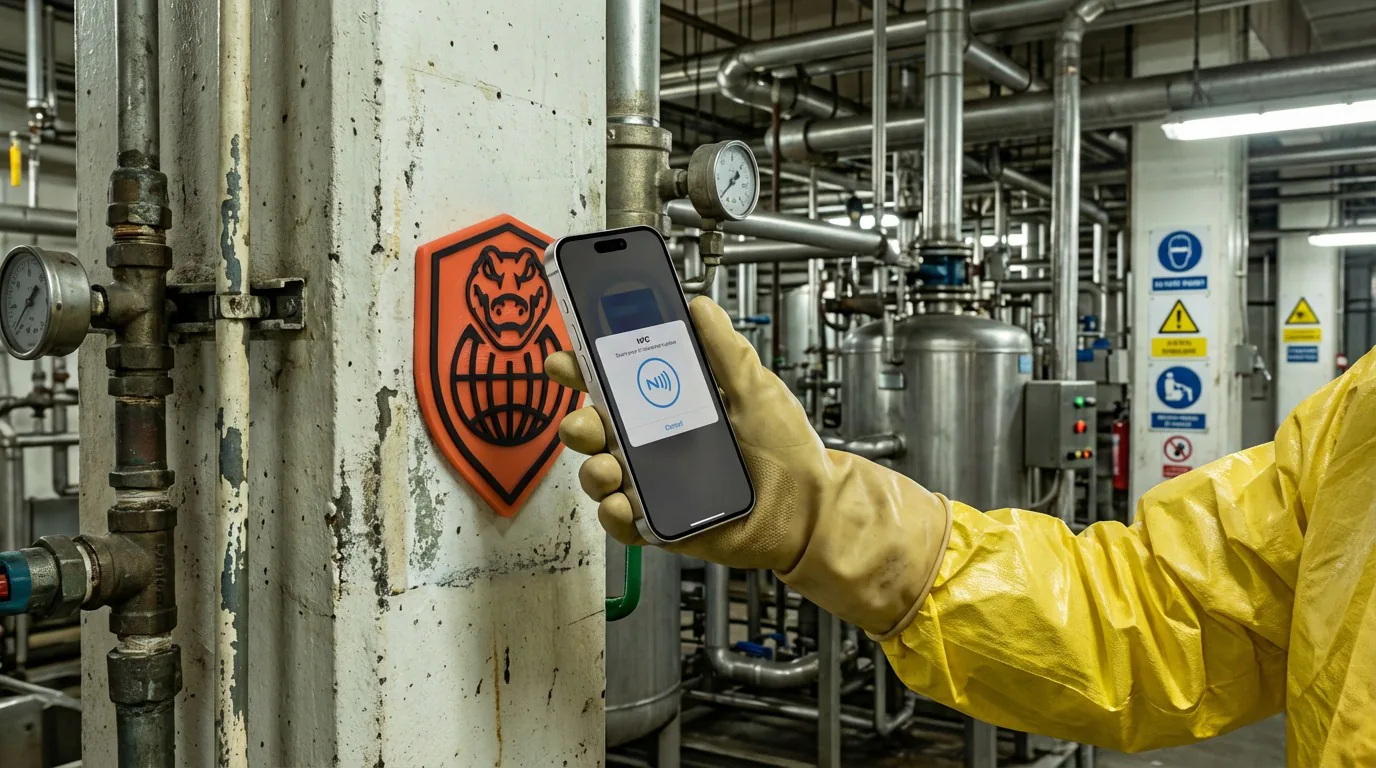
AssetNest turns equipment, tools, vehicles, rooms, and locations into a visible operating layer for execution. Teams can manage QR and NFC identities, build scan-based asset records, and even order branded asset tags with invoice tracking from inside the application.
Teams comparing asset management software, asset tracking software, and asset tagging software use AssetNest when they need assets become visible, accountable, and connected to work inside a connected execution system.

What problem it solves
Teams lose execution quality when equipment, rooms, and physical locations are not clearly identified or linked to the work happening around them.
AssetNest provides the QR and NFC identity layer that anchors inspections, tasks, incidents, inventory, maintenance, and even in-app tag ordering to the physical world.
Primary problems solved
Execution loop
Only the stages that apply are highlighted here, but each one stays connected to the broader Nest2App execution system.
Step 1
Recognize a need, risk, inspection point, asset issue, task, incident, training gap, or compliance requirement.
Step 2
Capture the information clearly at the source so it can move through the system.
Step 3
Complete the work through guided workflows, mobile actions, and role-aware tools.
Step 4
Confirm completion, compliance, and quality with proof instead of assumptions.
Who uses it
The process stays consistent. The perspective changes by role.
CEO / Owner
Executives gain cleaner asset visibility and better traceability across locations and operating environments.
Manager
Managers see what equipment exists, where it lives, and how it connects to work, inspection, and maintenance history.
Supervisor
Supervisors use AssetNest to anchor work to the right equipment or location through scan-based execution.
Employee / User
Frontline users tap or scan the right asset to open the correct task, record, form, or inspection path.
Key features
Create QR and NFC-linked identities for machinery, vehicles, tools, rooms, locations, and anything else that needs to be tracked, then manage those records from one permissioned workspace.

Browse the live tag catalog, choose medium, size, and color options, add products to a cart, and place tag orders without leaving AssetNest.

Once something is tagged, it can connect into inspections, maintenance tasks, issue reporting, emergency readiness, and operational workflows across the ecosystem.

Use cases
Tag machines, tools, and operational equipment for faster lookup and control.
Let sites order branded NFC and QR tags, then track invoices and delivery status from the same system.
Tag rooms, stations, lines, and areas to anchor work to a physical place.
Example workflows
Common use cases include Equipment identification, Asset-tag purchasing, Location-based workflows.
Scan to open the right workflow
A user scans a QR or NFC tag on equipment and lands directly in the correct task, inspection, or work context.
Asset-linked issue tracking
An incident, finding, or work order stays tied to the exact machine, room, or location involved.
In-app tag purchasing
A site browses the AssetNest tag catalog, configures tag options, places an order, and tracks invoices and delivery status from the same workspace.
Connected apps
This application is one mechanism inside the larger execution system. These are some of the tools it works alongside.
“Once we started tagging equipment, rooms, and vehicles the same way, everything became easier to find and manage.”
Reporting / visibility
AssetNest improves visibility into asset history, tagged location activity, tag-order invoices, and work context across the execution system.
FAQ
No. It can be used for machinery, vehicles, tools, rooms, locations, and many other tagged items.
Yes. AssetNest is built to support tag-based workflows using QR codes and NFC.
Yes. AssetNest includes an in-app tag storefront with cart checkout, invoice history, and delivery-status tracking.
Yes. Tagged items in AssetNest can connect to tasks, inspections, incidents, emergency workflows, and other operational records.
Next step
AssetNest gives you one tagging and identity layer for equipment, spaces, and operational points, with scan workflows and in-app tag ordering built into the same system.