Step 1
Identify
Recognize a need, risk, inspection point, asset issue, task, incident, training gap, or compliance requirement.
Operations
Maintenance needs become assigned, tracked work.
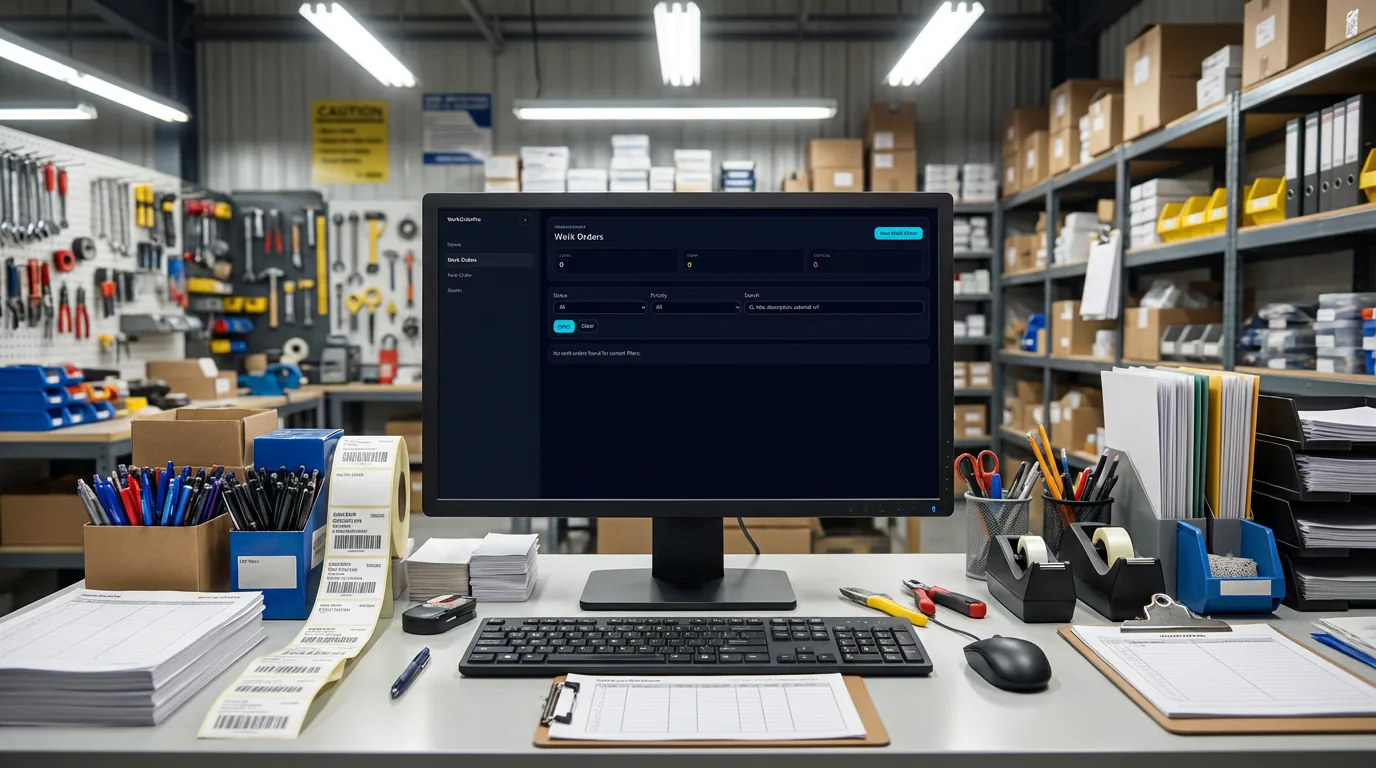
WorkOrderPro turns maintenance and cross-department needs into assigned, prioritized, and documented work. Requests enter with the right context, ownership stays clear, and proof of completion stays attached to the record.
Teams comparing work order software, work order management software, and CMMS software use WorkOrderPro when they need maintenance needs become assigned, tracked work inside a connected execution system.

What problem it solves
Operational requests often enter the business without consistent intake, clear ownership, or proof that the work was actually completed.
WorkOrderPro makes requests part of the same execution system so maintenance, facilities, IT, safety, and other teams work from visible queues instead of scattered follow-ups.
Primary problems solved
Execution loop
Only the stages that apply are highlighted here, but each one stays connected to the broader Nest2App execution system.
Step 1
Recognize a need, risk, inspection point, asset issue, task, incident, training gap, or compliance requirement.
Step 2
Capture the information clearly at the source so it can move through the system.
Step 3
Make ownership visible so the next action is clear and accountable.
Step 4
Complete the work through guided workflows, mobile actions, and role-aware tools.
Step 5
Confirm completion, compliance, and quality with proof instead of assumptions.
Step 6
Use trends, reporting, and lessons learned to make tomorrow’s execution stronger.
Who uses it
The process stays consistent. The perspective changes by role.
CEO / Owner
Executives see throughput, backlog, and where operational friction is slowing the business down.
Manager
Managers see request queues, delays, bottlenecks, reassignment needs, and closeout quality.
Supervisor
Supervisors use WorkOrderPro to assign work, move the queue, and verify completion in the field.
Employee / User
Frontline users submit requests with the right context and complete assigned work with clearer instructions and proof.
Key features
Define custom request templates for each department so teams collect the right information from the start. IT, HR, maintenance, safety, and facilities can all work in one platform without forcing the same form on every team.

Route work to the right team, assign ownership clearly, and elevate urgent items before they stall. WorkOrderPro keeps operational requests visible and moving while TaskStrike can handle more advanced workflow and routing logic behind the scenes.

Teams can complete work with notes, attachments, parts, time, and closure evidence so every request ends with a clear record of what was done.

Issues found in other apps can become actionable work immediately. For example, a TourMate inspection can create a work request on the spot so nothing gets lost between discovery and resolution.
Use cases
Manage repairs, corrective work, recurring operational tasks, and site issues with documented completion.
Handle server requests, access needs, support tasks, equipment setup, and internal service requests with priority and escalation.
Standardize onboarding, offboarding, employee setup tasks, and internal follow-up work across teams.
Turn inspection findings, corrective actions, and site observations into owned, trackable work.
Example workflows
Common use cases include Maintenance & facilities, IT requests, HR operations, Safety & operational follow-up.
Inspection finding to tracked work
A TourMate finding becomes a work request with the context, owner, and follow-up record already attached.
Cross-department request flow
A site request enters through the correct template, is prioritized and assigned, then closed with notes, files, and evidence.
Connected apps
This application is one mechanism inside the larger execution system. These are some of the tools it works alongside.
“We needed one place where every department could submit and track work their own way without losing visibility across the business. WorkOrderPro gave us that structure.”
Reporting / visibility
WorkOrderPro supports queue visibility, aging reports, completion trends, priority breakdowns, and proof-based closeout reporting.
FAQ
No. WorkOrderPro is designed for cross-department use, including maintenance, facilities, IT, HR, safety, and other operational teams.
Yes. Departments can define their own request templates and required fields so each team captures the information it needs.
Yes. Requests can carry priority levels, and escalation can be used to keep urgent or aging work from being overlooked.
WorkOrderPro standardizes request intake, assignment, tracking, and completion. TaskStrike is the separate workflow and routing engine for more advanced orchestration, workflow logic, and automation.
Yes. WorkOrderPro is designed to work with the ecosystem, including issue handoff from apps like TourMate so teams can act immediately.
No. WorkOrderPro supports operational execution, accountability, and recordkeeping, but regulatory or compliance obligations should still be reviewed with your internal compliance team.
Next step
Capture better requests, assign ownership faster, escalate sooner, and preserve the proof that the job was completed.