Step 1
Identify
Recognize a need, risk, inspection point, asset issue, task, incident, training gap, or compliance requirement.
Operations
Inventory becomes controlled, visible, and replenished.
SupplyMate turns stock rooms, bins, replenishment, purchasing, and receiving into controlled inventory execution. Teams know what is available, what is low, and what needs action next before shortages disrupt the day.
Teams comparing inventory management software, inventory control software, and stock replenishment software use SupplyMate when they need inventory becomes controlled, visible, and replenished inside a connected execution system.

What problem it solves
Inventory problems slow execution when teams cannot see what is available, what is low, or which bin or stock room needs action next.
SupplyMate keeps material control inside the execution system so stock, replenishment, receiving, and frontline usage stay connected to the work.
Primary problems solved
Execution loop
Only the stages that apply are highlighted here, but each one stays connected to the broader Nest2App execution system.
Step 1
Recognize a need, risk, inspection point, asset issue, task, incident, training gap, or compliance requirement.
Step 2
Make ownership visible so the next action is clear and accountable.
Step 3
Complete the work through guided workflows, mobile actions, and role-aware tools.
Step 4
Confirm completion, compliance, and quality with proof instead of assumptions.
Step 5
Use trends, reporting, and lessons learned to make tomorrow’s execution stronger.
Who uses it
The process stays consistent. The perspective changes by role.
CEO / Owner
Executives gain better visibility into shortages, material waste, and replenishment discipline across sites.
Manager
Managers see low-stock signals, replenishment queues, receiving flow, and where stock visibility is weak.
Supervisor
Supervisors use SupplyMate to keep bins stocked and prevent small material issues from interrupting the day.
Employee / User
Frontline users issue stock, scan bins, and get the right inventory actions without leaving the flow of work.
Key features
Track inventory in one system with a clear separation between main supply and field or floor bins.
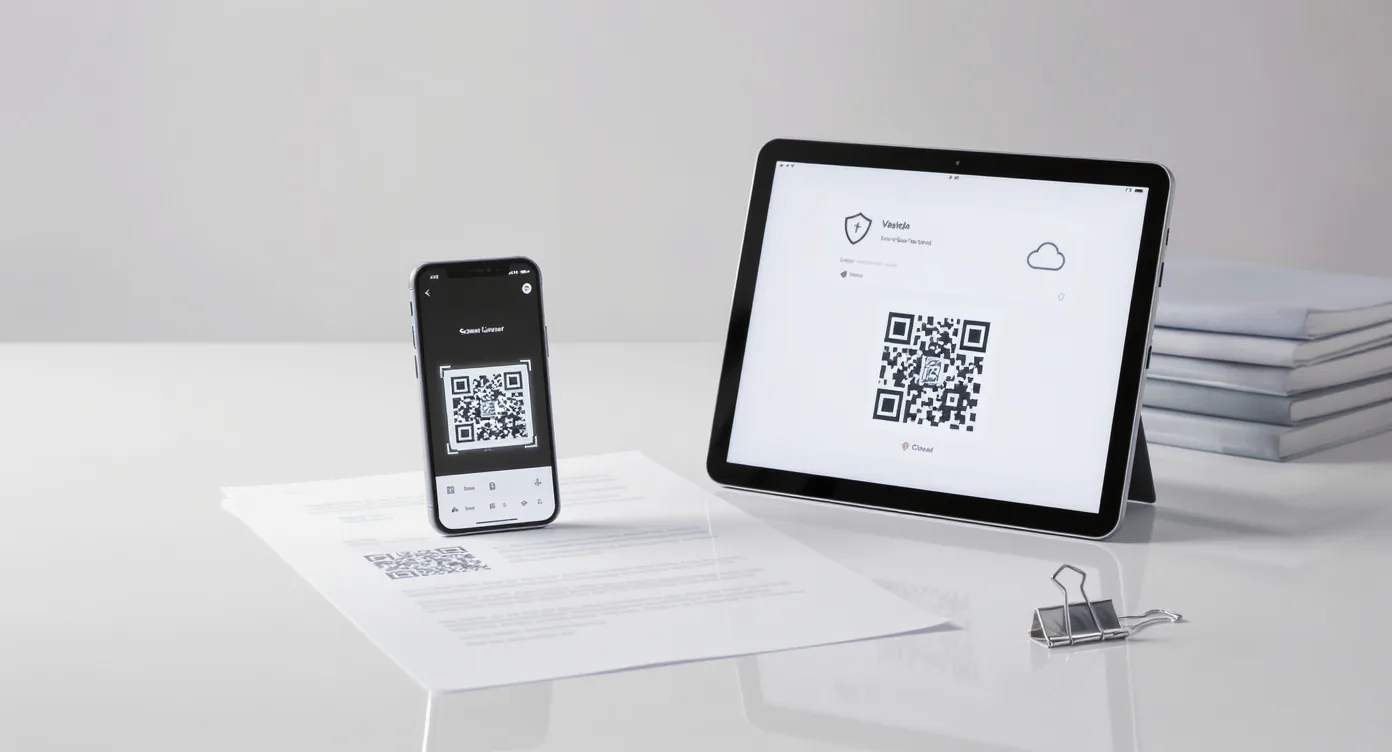
Let staff scan a bin or manually select one to issue stock directly from the app without needing a separate request workflow.
Detect low-stock conditions automatically, generate replenishment work for bins, and create purchase demand for buyers before shortages turn urgent.
Give buyers and receivers a structured process for supplier selection, ordering, receiving, and updating stock back into main supply or bins.
Review forecasting, urgency, movement history, and bin audit signals when counts or conditions suggest something needs attention.
Use cases
Manage central supply and the bins that feed daily work areas from one operational system.
Issue PPE, cleaners, maintenance stock, and everyday items directly from the bin where work happens.
Support buyers and receivers with clearer workflows for supplier choice, ordering, receipt, and restocking.
Example workflows
Common use cases include Supply rooms and store areas, Frontline consumables, Purchasing and receiving teams.
Bin replenishment workflow
A low-stock condition is identified, replenishment work is created, and the record stays visible until the bin is restored.
Receiving to availability
Purchased items are received, placed into supply or bins, and made visible to the teams that depend on them.
Connected apps
This application is one mechanism inside the larger execution system. These are some of the tools it works alongside.
“Separating main supply from our floor bins gave us a much clearer picture of what was truly available, what needed replenishment, and what buyers needed to act on.”
Reporting / visibility
SupplyMate supports low-stock visibility, replenishment activity, movement history, usage patterns, and material-control reporting.
FAQ
Yes. SupplyMate separates main supply from bin stock so businesses can manage central inventory and the bins that feed frontline work without treating everything as one pool.
Yes. Frontline users can scan a bin or manually select one to issue stock directly in the app.
Yes. SupplyMate can detect low-stock conditions, generate replenishment work for bins, and generate purchase demand for buyers without relying on manual request entry.
Yes. Purchasers and receivers get clear workflows for supplier selection, ordering, receiving, and updating stock into main supply or directly into bins.
SupplyMate includes tools for low-stock forecasting, urgency scoring, movement history, and bin audits when counts or conditions appear wrong.
Next step
Track stock across supply and bins, automate replenishment, and keep buyers ahead of shortages before execution slows down.